The Best Video Editing Apps of 2023: Our Top Picks and Comparisons
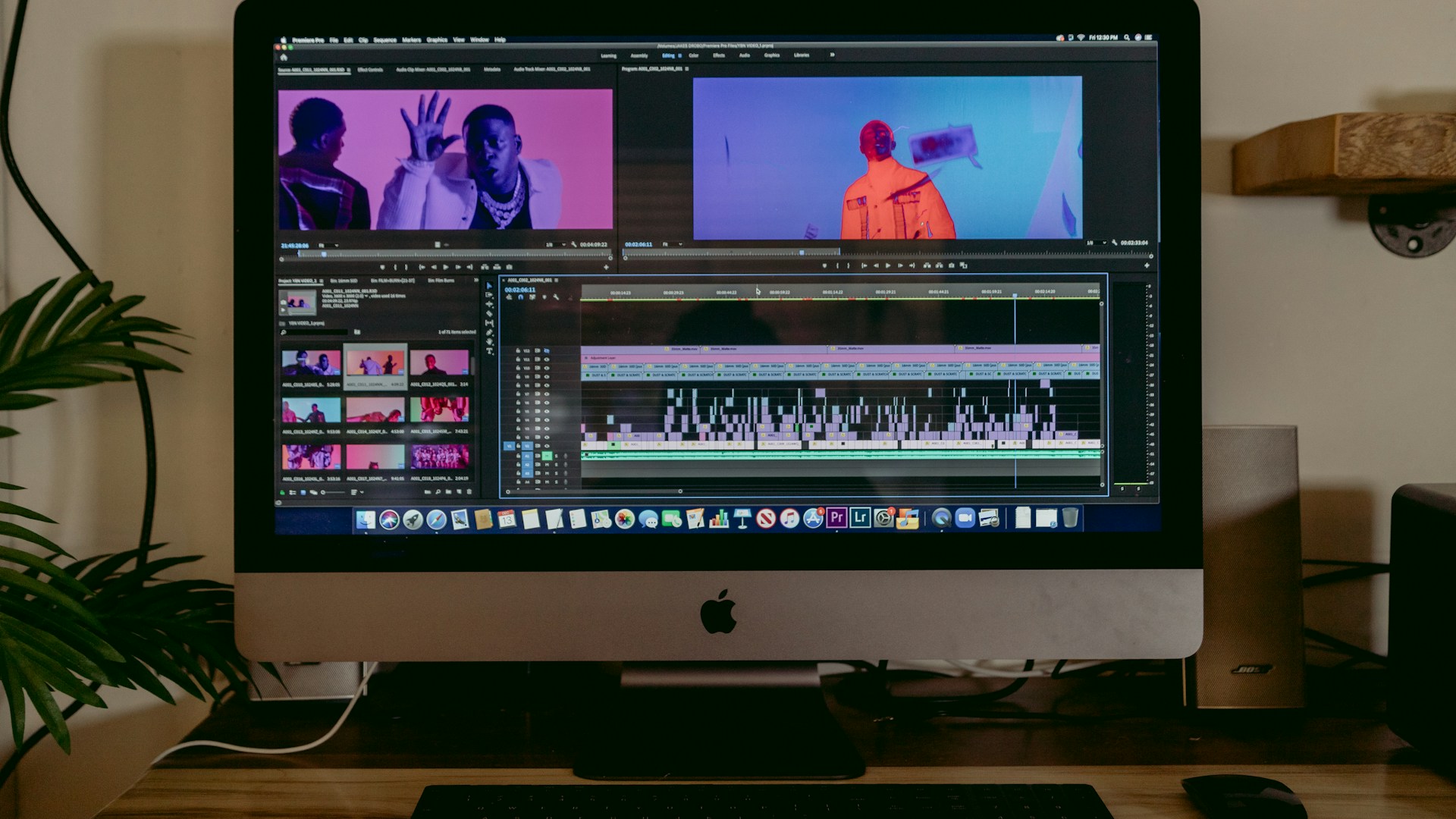
Table of Contents
In the realm of video editing, finding the right app can transform your workflow and elevate your projects. After extensive research and community discussions, our verdict is clear: Adobe Premiere Pro is the best video editing app for most users, thanks to its comprehensive feature set and integration capabilities. If you’re looking for a more budget-friendly or user-friendly alternative, DaVinci Resolve stands out as a close second.
Quick Comparison
| Feature | Adobe Premiere Pro | DaVinci Resolve | Final Cut Pro |
|---|---|---|---|
| Price | $20.99/month | Free (Paid version $295) | $299.99 (one-time fee) |
| Platforms | Windows, Mac | Windows, Mac, Linux | Mac only |
| Key Features | Multi-cam editing, VR editing, extensive effects library | Color grading, audio post-production, motion graphics | Magnetic Timeline, advanced color grading |
| Learning Curve | Steep | Moderate | Moderate |
| Best For | Professionals, freelancers | Beginners, hobbyists | Mac users, professionals |
Key Features of Adobe Premiere Pro
Adobe Premiere Pro is powered by Adobe’s Creative Cloud, making it ideal for creatives who use multiple Adobe tools. Here are some standout features:
- Multi-Cam Editing: Edit from multiple angles in real-time, perfect for events or interviews.
- Extensive Effects Library: Access to thousands of effects and transitions.
- Advanced Color Grading: Extensive options for color correction ensure your videos pop.
- Collaboration Tools: Integrate seamlessly with Adobe After Effects and Adobe Audition for audio post-production.
However, this powerhouse does come with a hefty price tag of $20.99/month, making it a commitment that not everyone may want to take on.
Why DaVinci Resolve is a Strong Contender
If you’re budget-conscious but still desire professional-level tools, look no further than DaVinci Resolve. Here’s why it’s often recommended:
- Free Version: The basic version is free with robust features, ideal for anyone starting out.
- Color Grading: Known for its outstanding color grading capabilities, making it a favorite among filmmakers.
- Integrated Audio Editing: Fairlight audio tools for post-production within the same app.
The paid version is available for $295, offering additional features for professionals but often unnecessary for casual users.
Final Cut Pro: The Mac Exclusive
Mac enthusiasts might lean towards Final Cut Pro. While priced higher at $299.99, it offers unique features such as:
- Magnetic Timeline: This feature allows for flexible, intuitive editing, making it easier to work with multiple clips.
- Optimized for Mac: Performance is highly optimized for Apple computers, ensuring smooth playback and rendering.
However, it’s essential to point out that if you’re not a Mac user, you’re out of luck with Final Cut Pro.
Who This Is For
- Adobe Premiere Pro: Ideal for professionals and freelance video editors who need an all-in-one tool and can justify the subscription fee.
- DaVinci Resolve: Perfect for beginners or hobbyists who want to edit professionally without a financial commitment.
- Final Cut Pro: Best for seasoned Mac users who want a high-performance tool specifically designed for their operating system.
Who Should Skip This
- If you’re merely trimming videos for social media, both Adobe Premiere Pro and Final Cut Pro may be overkill. Look for simpler apps like iMovie or HitFilm Express.
- If you rely heavily on Windows and don’t plan to switch to Mac, you should skip Final Cut Pro entirely.
Conclusion: What Should You Buy?
Based on the features and pricing reviewed, Adobe Premiere Pro stands as the best overall video editing software due to its versatility and professional-grade tools. If you are hesitant to commit to a monthly payment, DaVinci Resolve is an excellent choice. It’s loaded with features and can handle most editing tasks without the price tag.
As you decide, consider what your specific editing needs are. If you require robust color grading and audio editing, both DaVinci Resolve and Premiere will serve you well. If your focus is more on creative storytelling and fast editing, Premiere Pro’s suite of effects and tools could be your best ally.
Your next best step is to download trial versions of these applications and see which interface resonates with you. Happy editing!